
Upload PPTX files to the PowerPoint merger
Drop in two or more .pptx files or use the file picker. MergePPTX reads the slide list, package size, and presentation dimensions before adding a deck.
Merge PPT files and combine multiple PowerPoint presentations into one editable deck. Preview and reorder slides, review the slide order, and keep formatting as you combine PPTX files on your device for free, with no upload, account, or watermark.
Add two or more PPTX files. Preview and merge work entirely inside this browser tab.
A board report, class project, sales pitch, or workshop often starts as several presentations owned by different people. Copying slides by hand hides the final order across open windows and makes it easy to include the wrong version.
MergePPTX turns that scattered work into one reviewable sequence. Arrange complete source decks for a quick result, or switch to slide view to remove duplicates and place individual slides exactly where they belong. Your source files remain unchanged.
Open the free online PPT merger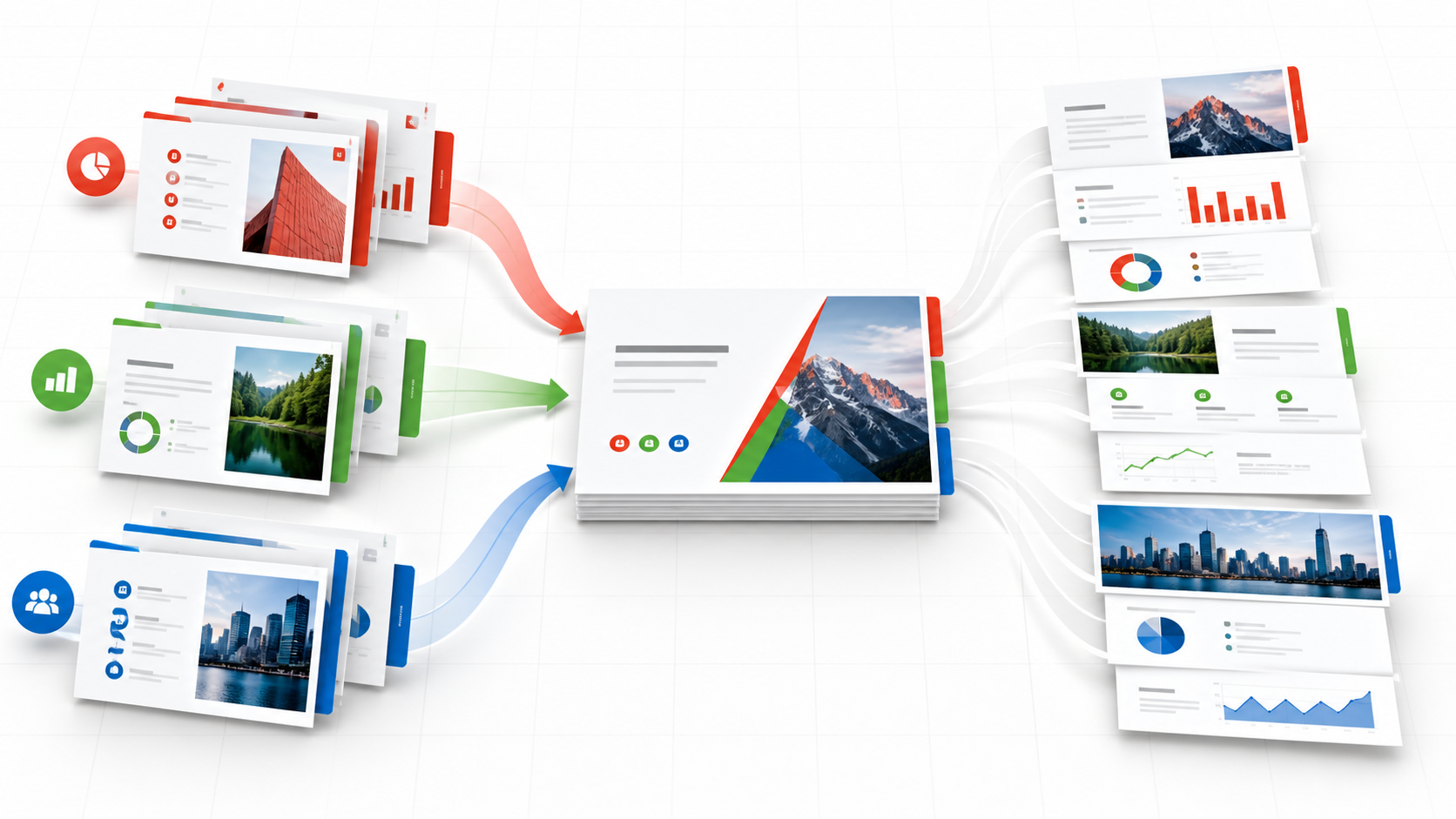
You can inspect every decision before the browser creates the output file.
Drop in two or more .pptx files or use the file picker. MergePPTX reads the slide list, package size, and presentation dimensions before adding a deck.
Keep the file order for a straightforward combination, or open Arrange Slides to preview, select, remove, and reposition individual slides.
Confirm the output size and file name. The browser rebuilds the required OOXML relationships, compresses the package, and makes the new presentation available.
The tool exposes slide order, presentation-size differences, and local memory risk before generating the result.
The browser opens each presentation, rebuilds the selected parts, and prepares the download on your device. The PPT merger starts immediately because there is no transfer queue.
Presentation contents stay in the active tab. MergePPTX does not need a cloud account, remote document library, or application-server copy of your files.
Each selected slide brings its connected layout, master, theme, images, charts, embedded objects, and media relationships into the new package.
Use a modern browser on macOS, Windows, Linux, Android, or iOS. The merge itself does not require PowerPoint to be installed.
Work at file level for a quick combination, or open the slide view to keep only the material needed in the final presentation.
Drag preview cards or use accessible arrow controls to set the exact slide order before the browser generates any output.
Use file-level order for speed or slide-level control when the final deck needs a deliberate narrative.
MergePPTX works with modern Office Open XML packages. Here is what you can merge and what needs a quick conversion first.
The merger reads, reorganizes, and rebuilds .pptx packages directly in your browser, including layouts, masters, themes, charts, and embedded media.
Legacy binary .ppt files cannot be safely combined as OOXML. Open the file in PowerPoint or LibreOffice, save it as .pptx, then add the converted file.
Every supported file is processed locally in the active browser tab. There is no server-side copy of your presentation to manage or delete.
Check the format boundary, preview accuracy, slide-order controls, and local memory considerations before working with an important presentation.
Merge Word documents onlineAdd two or more presentations, review the compatibility report, and choose either file order or a custom slide sequence. Set the output size and file name, then build one editable PPTX directly in your browser.
No. The merger reads, reorganizes, and compresses the PowerPoint packages inside the current browser tab. Presentation contents are not posted to a MergePPTX application server.
MergePPTX copies each selected slide with its linked layout, slide master, theme, images, charts, embedded files, and media relationships. Very unusual third-party extensions or damaged packages may still require review in PowerPoint after download.
Yes. Start with complete decks in file order, then open Arrange Slides whenever you need finer control. Drag preview cards or use their arrow controls, and select or deselect any slide before building the output.
No. The thumbnails are an approximate browser rendering for identifying and ordering slides. Fonts, proprietary effects, animations, and unusual embedded objects can look different from PowerPoint, so the downloaded PPTX should be reviewed in presentation software.
No. Legacy .ppt files use a binary format that cannot be safely combined with the browser-based OOXML process. Open the file in PowerPoint or LibreOffice, save it as .pptx, and then add the converted file.
There is no upload quota because nothing is uploaded. MergePPTX checks expanded package size and estimates browser memory before merging; exceptionally large or suspicious packages may be rejected by the local safety limits. For large presentations, close unused tabs and merge smaller groups first.
Yes. The tool runs in modern browsers on macOS, Windows, Linux, Android, and iOS. A desktop device is more practical when presentations contain many large images or videos.